
Is your bag always heavy during business trips because of various devices from laptops to keyboards? Are you working at the office and facing connection interference in a multi-device environment, or running out of battery unexpectedly and having to plug in inconveniently? These are common situations that hinder office users from using wireless keyboards, overlooking factors like a much better typing feel than a laptop, which helps work flow more smoothly.
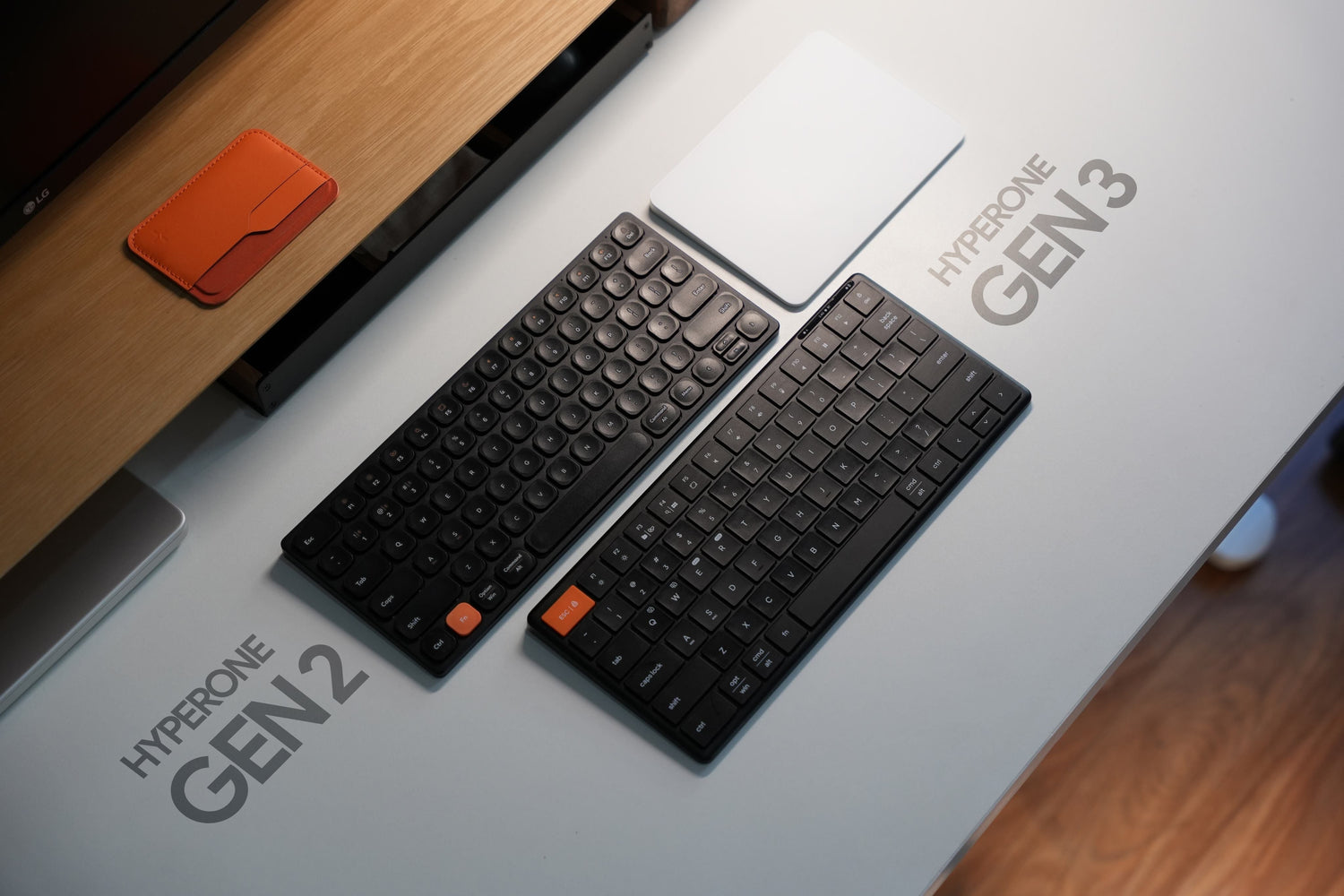
Therefore, modern wireless keyboards not only need to be neat and aesthetic but also must meet portability, long battery life, stable connection, and many other factors. Understanding this, HyperWork developed the HyperOne line with two options:
-
HyperOne Gen 2: compact, lightweight, suitable for "On The Go".
-
HyperOne Gen 3: solid design, sturdy, long battery life, multitasking connection, optimized for "Office Daily".
So, which wireless keyboard model is right for you?
HyperOne Gen 2 and Gen 3 Overview
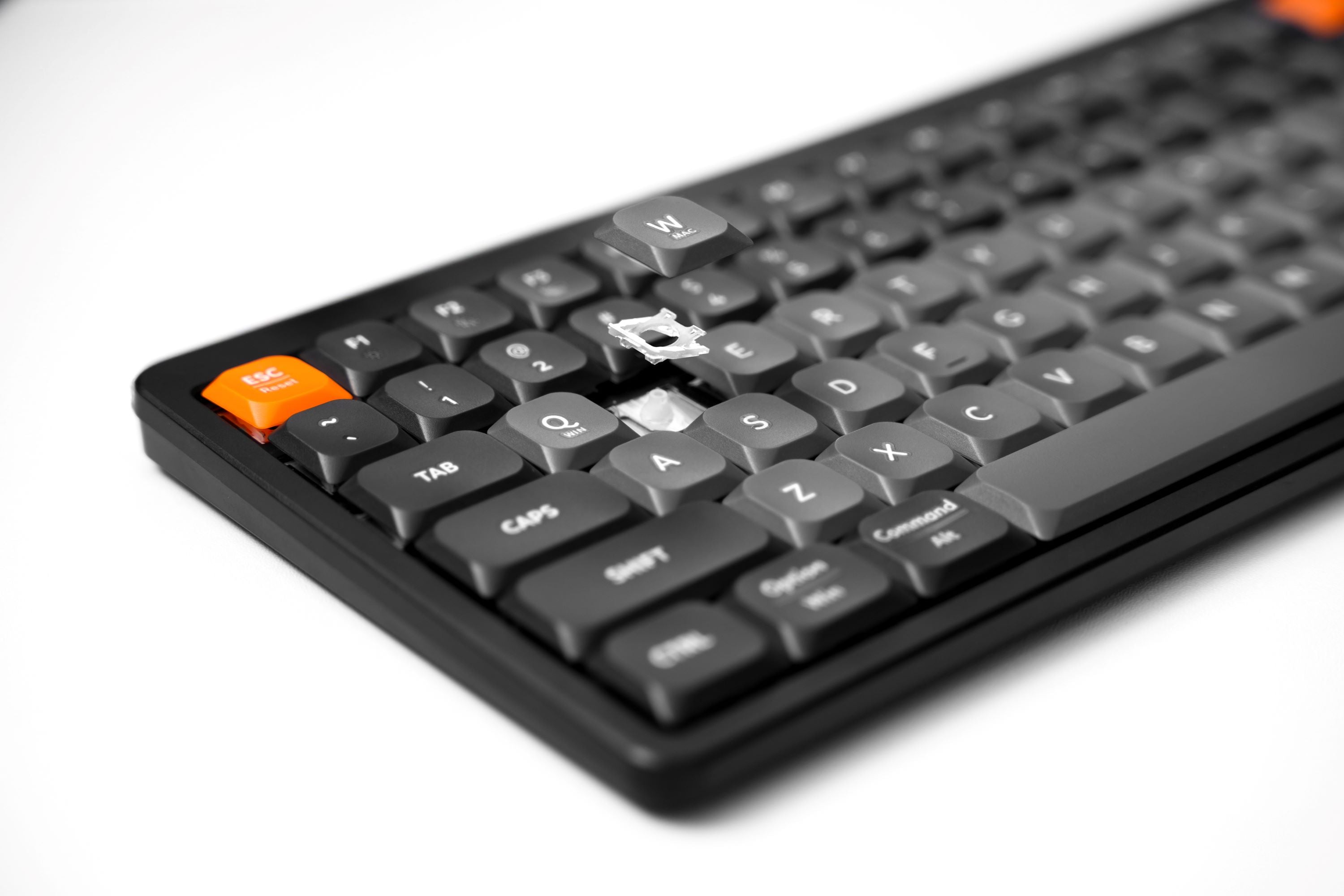
Both versions are designed with a 65% layout - a variant of the now very popular 75% keyboard, featuring 78 compact low-profile keys with a UV coating to prevent fading. This commonality helps HyperOne in particular and HyperWork products in general easily blend into any workspace setup.
However, the differences lie in:
-
Material & typing stability
-
Weight & dimensions
-
Connectivity
-
Battery

HyperOne Gen 2 - Lightweight, slim, optimized for On The Go
- Compact Design
With a weight of only 295g and a thickness of 0.6 - 1.2 cm, HyperOne Gen 2 is extremely convenient to fit in a backpack, or place on a table in a library or coffee shop. This is a reasonable choice for office workers who move frequently, work hybrid at cafes or co-working spaces.
- Aluminum Frame Material
The aluminum frame makes the keyboard sturdy and premium while maintaining a certain level of portability. The lighter bottom reduces the total weight compared to Gen 3, making it easy to carry.

- Battery and Connectivity
-
350mAh battery capacity, ~125 hours of use, enough for daily work sessions
-
Bluetooth 5.1 and 2.4G Receiver: flexible wireless connection with devices such as laptops, tablets, and smartphones.
Overall, Gen 2 is the most ideal model in the HyperWork wireless keyboard lineup for users who tend to move frequently: freelancers working in multiple spaces, students going from school to home to internships, or office workers who often go on business trips.

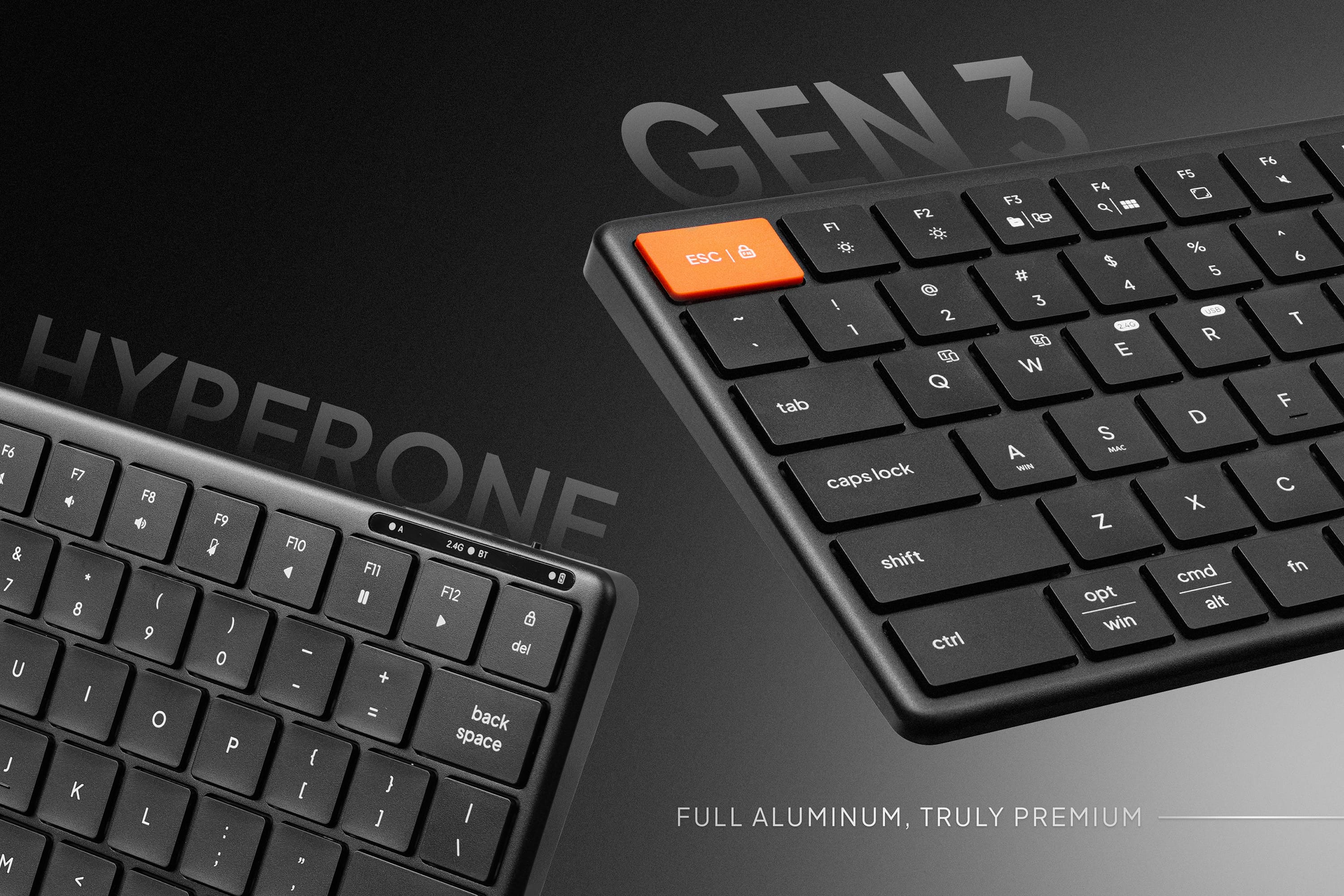
HyperOne Gen 3 - Full Aluminum, Stable for Office Daily
- Sturdy Full Aluminum Design
The biggest difference: Gen 3 has a full aluminum frame and bottom. This makes the keyboard feel solid in hand and extremely stable on the desk, with no flexing during continuous typing. For office workers working for hours, this is a superior advantage.

- Weight & Stability
At 394g, it is heavier than Gen 2, but this is exactly what makes Gen 3 more solid and durable during fast typing. This is the optimal choice for a fixed setup at the office or working from home.
- Long Battery Life and Multitasking Connection
-
500mAh battery, 300h usage time, significantly reducing interruption worries
-
Bluetooth 5.2: more responsive connection, especially in office environments with many devices
-
Type-C Cable: this is an additional connection, suitable for office spaces when a truly stable, high-performance connection is needed
-
Connect 4 devices simultaneously: easier to switch between more devices, such as laptop, PC, tablet, and smartphone.
Gen 3 is the "office weapon" for those who prioritize long-term stability: office workers, fixed-location freelancers, people who frequently attend online meetings or do a lot of data entry.

Buying Advice
Choose Gen 2 if you:
- Often go on business trips or move around a lot
- Prioritize lightweight and portability
- Want a keyboard that is good enough for flexible daily work
Choose Gen 3 if you:
- Work at a fixed location in the office or at home
- Want maximum stability during long typing sessions
- Need long battery life, multitasking connection, and full aluminum frame durability.
Conclusion
HyperOne Gen 2 and Gen 3 are not "old and new" versions meant to replace each other, but rather two parallel options for two different customer groups.
-
Gen 2 = On The Go: compact, flexible.
-
Gen 3 = Office Daily: solid, long battery life, superior connectivity.
Consider your working habits to choose the most suitable HyperWork keyboard.



Leave a comment
This site is protected by hCaptcha and the hCaptcha Privacy Policy and Terms of Service apply.