
Monitor arms (monitor stands, monitor mounts) not only optimize workspace but also help users achieve a better viewing position. However, many people experience wobbling when using monitor arms, which can be annoying and affect work efficiency. What are the causes and how can they be fixed?
Monitor arm not suitable for monitor weight and size
Choosing an unsuitable monitor arm is one of the main causes of wobbling. To avoid this problem, you should consider the following factors:
- Weight capacity: If the monitor's weight exceeds the arm's limit, the spring or joints will not be strong enough to support it, leading to wobbling or inability to hold the monitor in the desired position. Check the arm's specifications for the maximum weight it can support.
- Monitor size: Monitor arms are typically designed for a specific size range, such as 17-32 inches. Using a monitor larger or smaller than this range can cause uneven force distribution, leading to imbalance and wobbling.

- VESA standard: Ensure both the arm and monitor support a synchronized VESA standard (usually 75x75 mm or 100x100 mm). If not synchronized, the monitor may not be securely mounted, leading to wobbling during use.
Unstable or flimsy desk
You've chosen the correct arm, but it's still wobbling? The cause might be your desk.
- Sturdiness: If the desk is too weak, every time you type or move the mouse, force can be transmitted to the arm, causing the monitor to shake. Invest in a sturdy desk made from materials like solid wood or metal.
- Flatness: An uneven desk surface will make it difficult to securely attach the arm, leading to tilting or wobbling. Ensure the desk surface is flat and free of bumps.

- Appropriate installation method: Most arms support two methods: clamp mounting and grommet mounting. Clamp mounting is suitable for desks of appropriate thickness, while grommet mounting offers higher stability but requires precision during installation.
Loose screws on the monitor arm
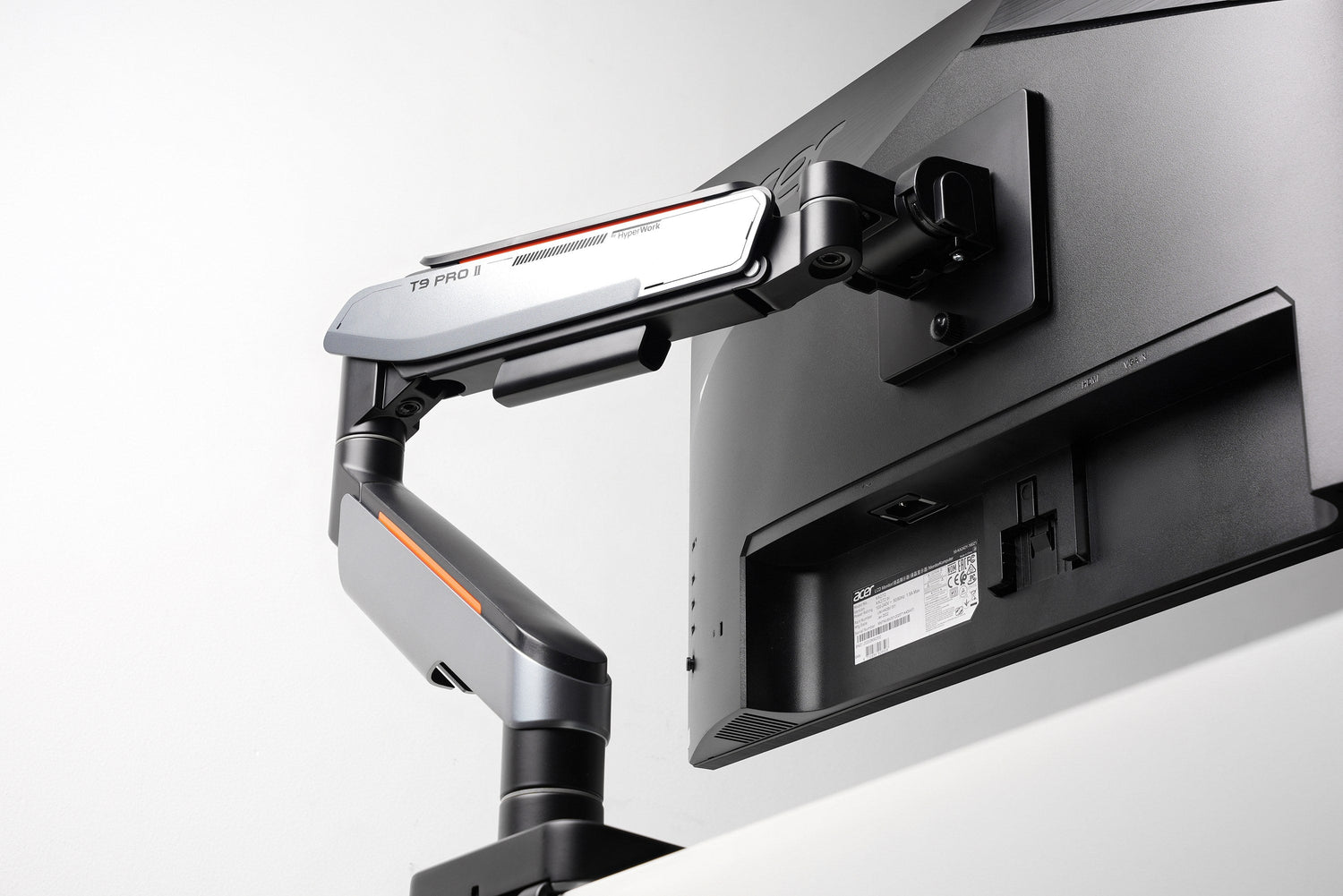
Monitor arms often come with multiple adjustment screws to regulate spring tension and ensure monitor stability.
- Check screw tightness: If the screws are loose, the arm will not hold the monitor securely, leading to wobbling. Use a screwdriver or appropriate tool to tighten the screws.
- Tighten the screws connecting the monitor to the VESA mount: Minimize the gap between the VESA mount and the arm body by holding the monitor (already attached to VESA) with one hand and tightening the fixing screw with the other.
- Regular maintenance: After some time of use, joints and springs may wear out or loosen. Periodically maintain the arm by tightening screws and lubricating joints to ensure smooth operation.
Effective monitor arm usage to minimize wobbling
- Consider your investment: Choose a reputable arm brand with a good warranty to ensure long-term durability and performance.
- Choose an appropriate arm usage posture: Avoid raising the monitor too high or extending the arm too far.

- Avoid strong impacts: Limit strong impacts on the monitor or arm, as this can loosen joints or affect the internal support mechanism.




Leave a comment
This site is protected by hCaptcha and the hCaptcha Privacy Policy and Terms of Service apply.