
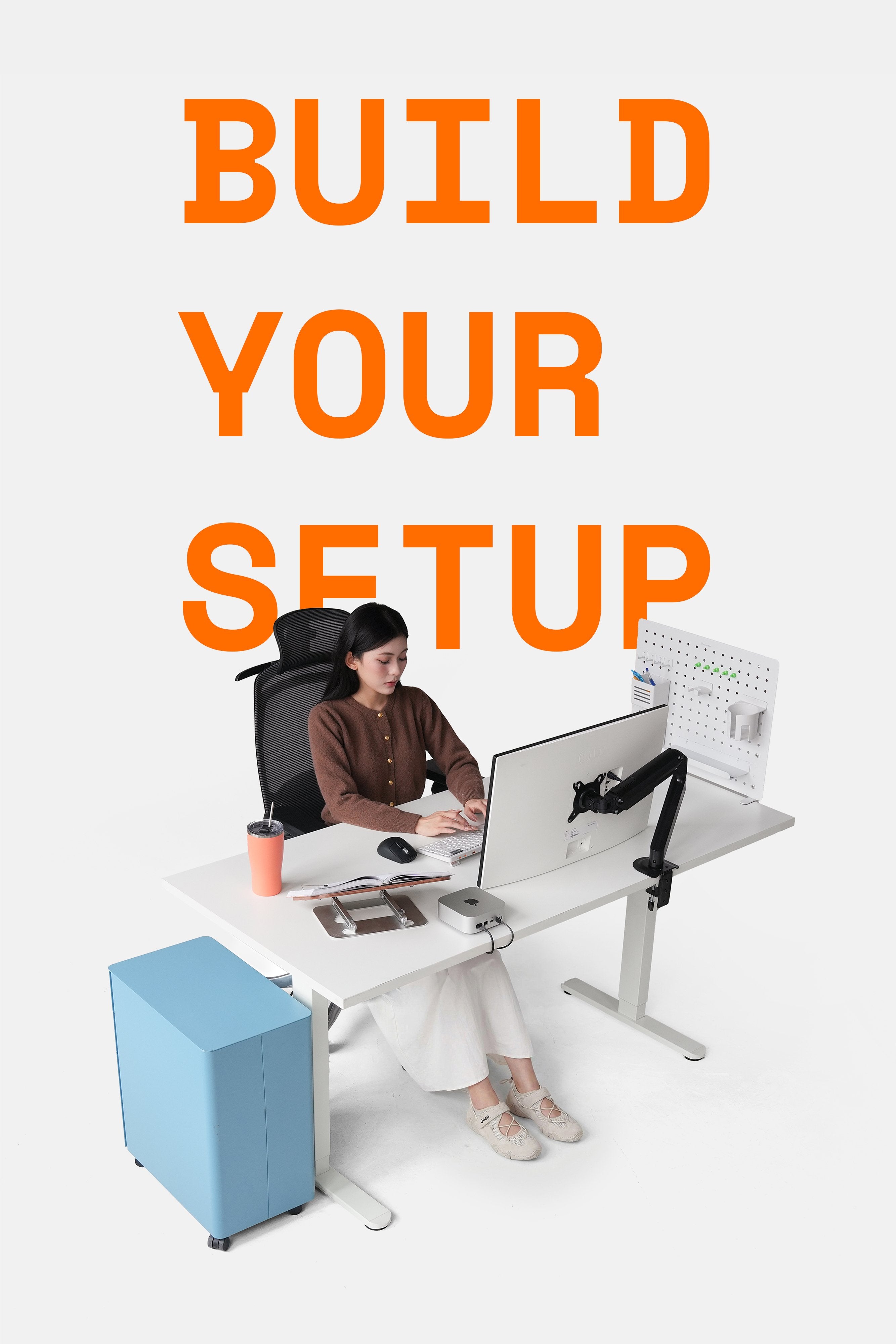
A clean workspace isn't just about aesthetics; it's about the comfort you feel every time you sit down, allowing you to relax and focus on work for hours. To achieve such a workspace, you sometimes don't need an entire afternoon to clean – which can be time-consuming and quickly discouraging. Instead, with just 5-10 minutes each day and a few compact tools, you can keep your workspace consistently clean and tidy, with devices shining like new.
Why should you clean your workspace properly every day?
-
Dust accumulation on screens, mice, and keyboards not only looks bad but also affects health and device lifespan.
-
Improper cleaning of electronic devices can cause scratches and damage, especially when using the wrong solutions or unsuitable cloths.
-
Cleaning your personal workspace daily helps build good habits and maintains a professional work environment, especially in hybrid or work-from-home settings.
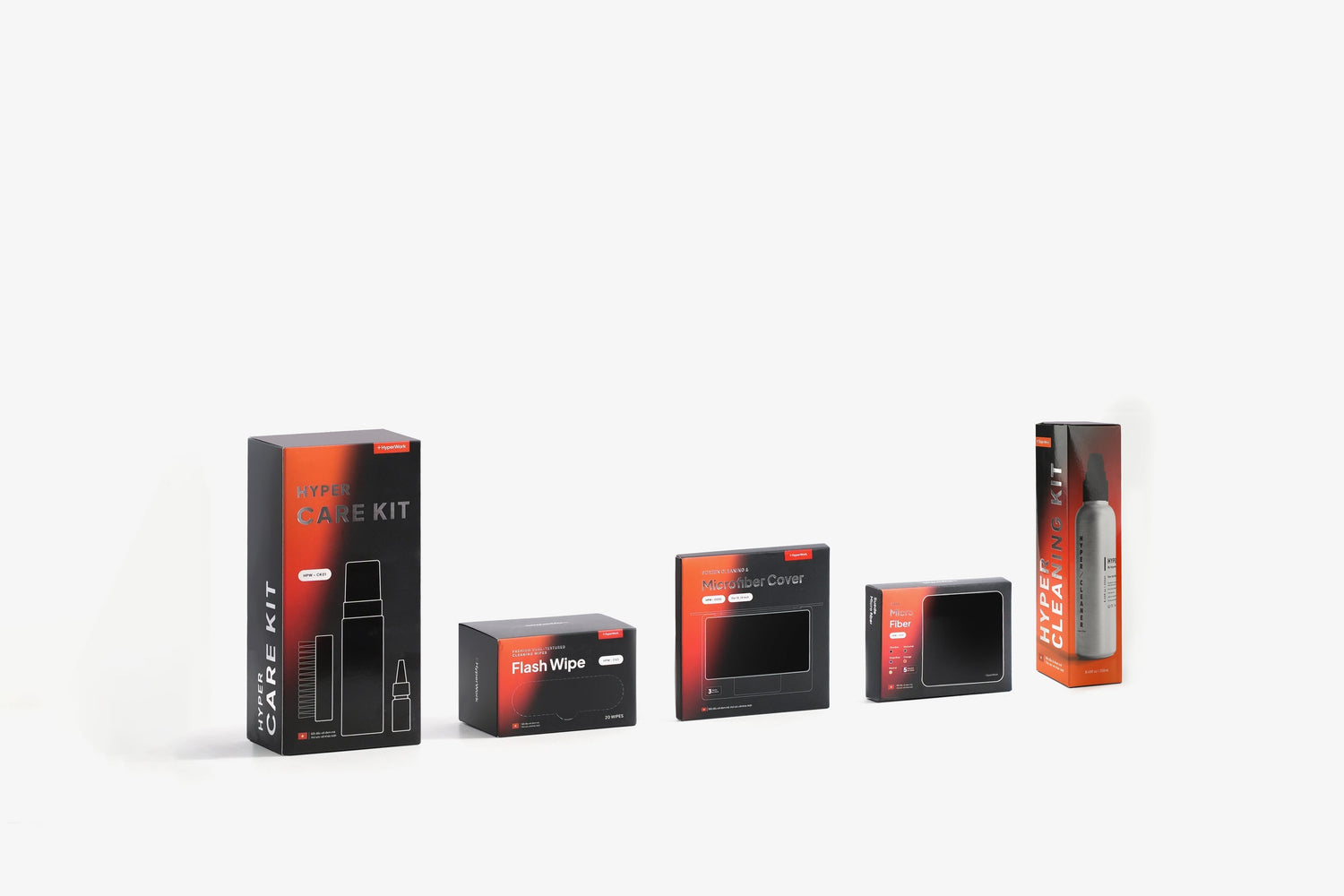
HyperWork introduces the workspace cleaning combo: 4 items - 5-10 minutes - comprehensive effectiveness.
Below is a lightweight, easy-to-follow workspace cleaning routine that can be done at the office or at home, applicable at the beginning or end of the day. Each step corresponds to a practical product that can be flexibly used according to your needs.

Step 1: Clean screens & glass surfaces
Tools: Cleaning kit screen & glass surface spray bottle + microfiber cloth included in the box
Computer screens, laptops, iPads, phones... are prone to fingerprints, smudges, and tiny dust particles. These are devices we use constantly. Instead of using paper towels or alcohol wipes (which can easily scratch or damage internal components), use a specialized solution with a soft microfiber cloth to clean thoroughly while protecting the screen's coating.

How to:
-
Spray a sufficient amount onto the cloth (ideally, do not spray directly onto the screen)
-
Wipe horizontally or in a gentle spiral, without pressing hard
-
Dry with the remaining clean corner of the cloth
Step 2: Quick wipe of frequently touched surfaces
Tools: Flash Wipe quick cleaning wipes
Desks, mice, keyboards, chair armrests... are places you touch for hours every day. Flash Wipe is a quick cleaning wipe, more effective than regular wet wipes, leaves no lint, and is suitable for light dust, fresh stains, or quick clean-ups after a snack at your desk.

How to:
-
Take one wipe, use the smooth side to wipe from inside out
-
Tackle more stubborn stains with the textured side
-
The wipe dries quickly, no need to wait, discard after use
Step 3: Tackle stubborn stains & maintain equipment
Tools: Care Kit multi-purpose cleaning set (4 items)
This is the "overhaul" step for device details or tools that are difficult to clean with regular cloths.
Care Kit includes:
-
Multi-surface cleaning foam spray (leather, fabric, mesh, plastic, metal)
-
Lubricant for mechanical devices, hinges
-
Soft, highly absorbent cloth
-
Brush to help remove stubborn stains

Practical applications:
-
Clean leather chair armrests, mesh speakers, plastic desk edges
-
Remove ink stains from items, tools
-
Clean sweat, dust, mud, dandruff, or makeup marks from hats, shoes kept in the office
-
Lubricate drawer slides, cabinet hinges, monitor arms showing signs of stiffness

How to:
-
Spray foam onto the surface, gently brush with the brush
-
Wipe clean with the included cloth
-
For machine parts, apply 1-2 drops of lubricant and gently rotate to ensure smooth operation

Step 4: Final wipe & care for sensitive surfaces
Tools: Set of 5 microfiber cloths in 5 colors
Microfiber cloths are suitable for drying and cleaning sensitive surfaces such as screens, glass, easily scratched aluminum laptop casings, polished or coated details, etc.

Suggestion: Use different colored cloths for different groups of items:
-
Olive green: eyeglasses, mirrors
-
Dark gray: chair legs, handles
-
Blue: window glass
-
Beige: phone screens, laptops
-
Orange: computer cases...

Why are HyperWork cleaning master products suitable for office workers?
-
Easy to use, no special skills needed, no worries about damaging equipment
-
Time-saving, just 5 minutes a day is enough
-
Compact, convenient for desk use, carrying in a backpack or handbag, or keeping in the car
-
Cost-optimized, only need these 4 items instead of buying dozens of separate products



Leave a comment
This site is protected by hCaptcha and the hCaptcha Privacy Policy and Terms of Service apply.