
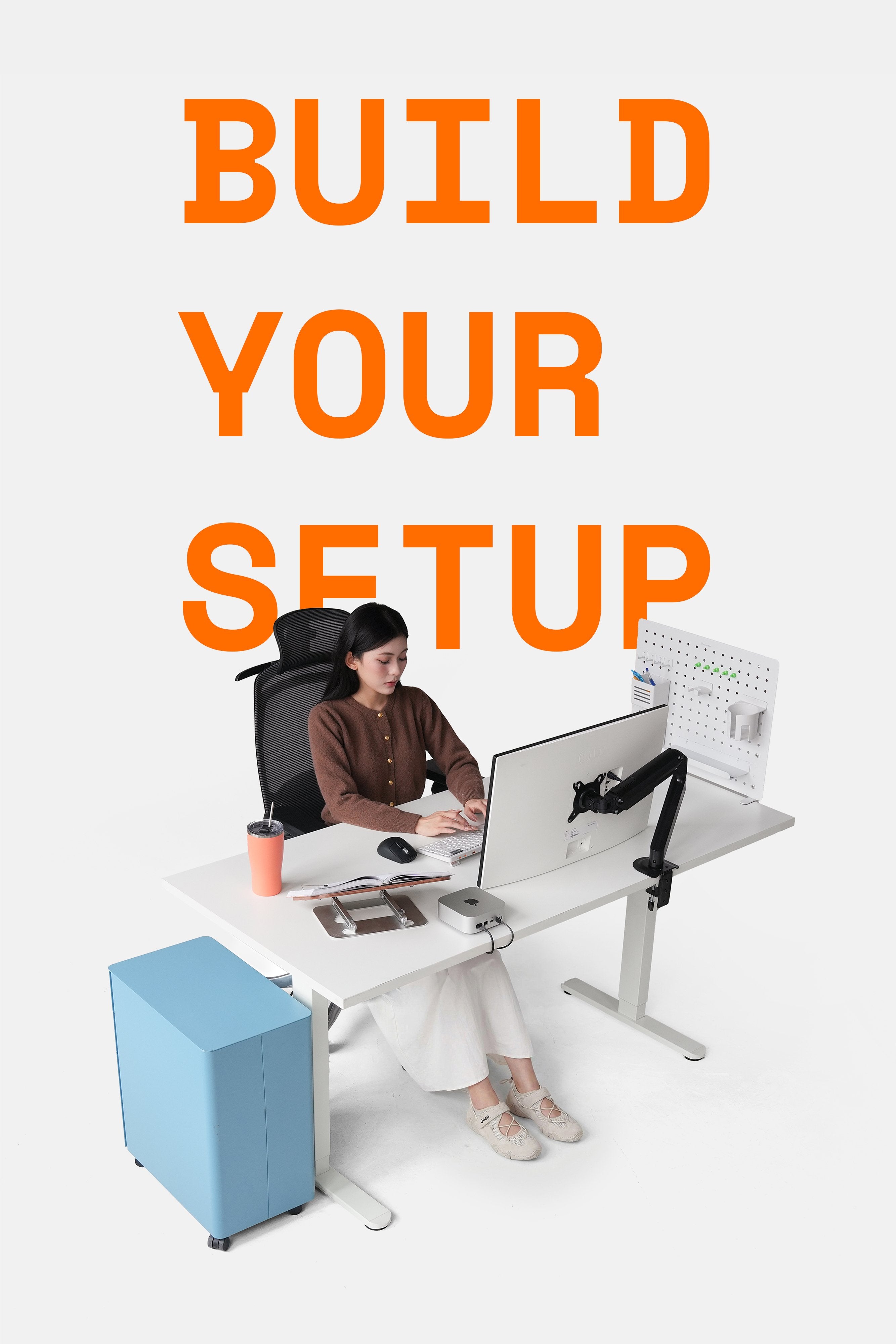
Beyond supporting and protecting your monitor, and offering flexible angle adjustments to ensure the best working posture, what other hidden features do HyperWork monitor arms have that you might not know about?
1. Tension Adjustment
With mechanical devices, some play when supporting a monitor is common. Installing monitors of different weights onto the arm can cause the arm to sag or tilt upwards.

Specifically:
- For lighter monitors, the arm's tension might be too strong for the monitor's weight. The monitor might tilt upwards or not stay in the desired position. Users need to reduce the tension, which means decreasing the spring or piston's tension.
- For heavier monitors, the arm's tension might not be strong enough, and the monitor's weight will create a downward pull, causing the arm to tilt down. Users need to increase the tension, which means increasing the spring or piston's tension.
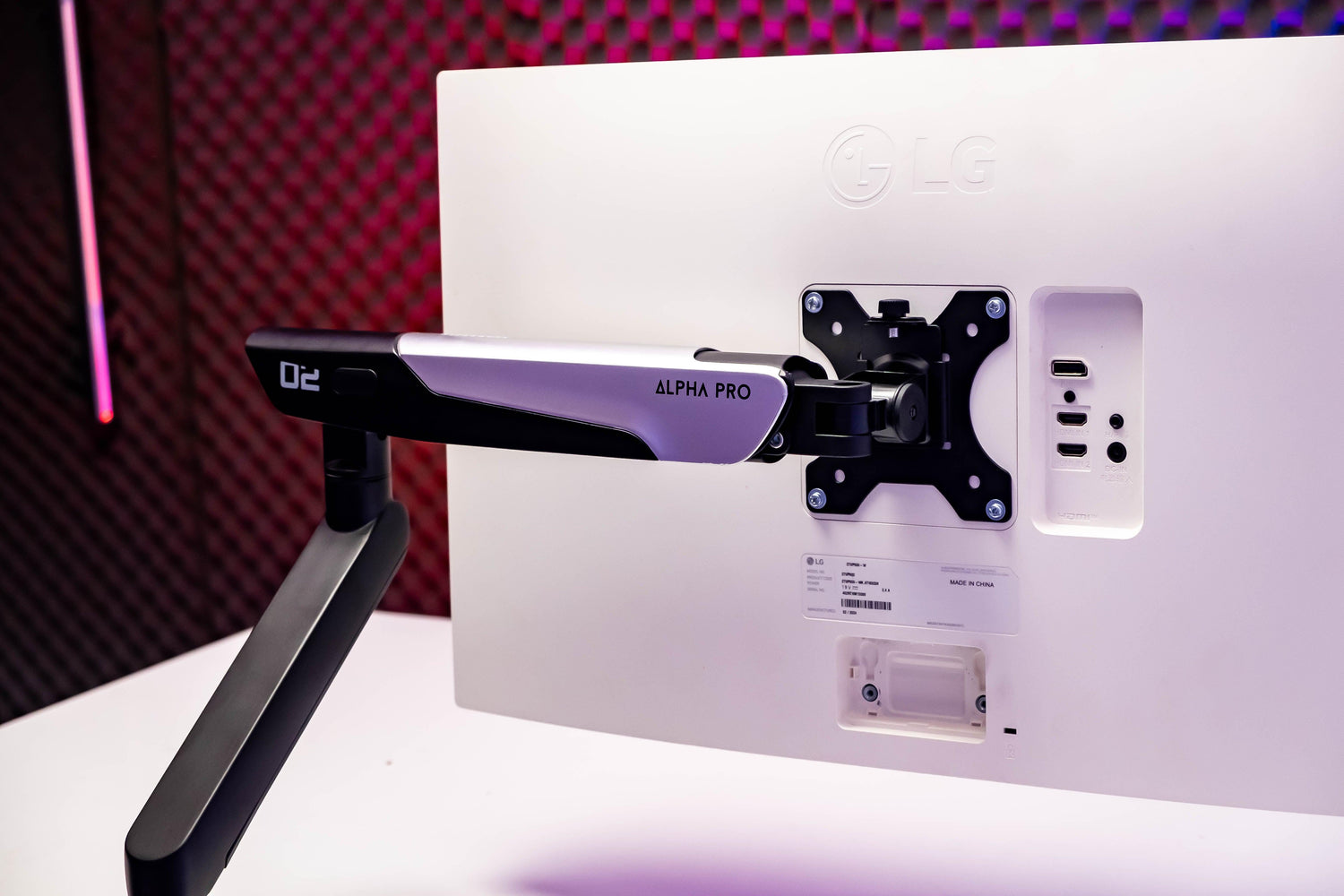
Most HyperWork monitor arm models, such as the Alpha Pro, Alpha, VisionX, T9 Pro II Series, and P1 Dual, are equipped with direct tension adjustment on the arm body. Here's how to do it:
- Step 1: At the joint between the two arm segments, you'll see plus and minus signs and a screw hole.
- Step 2: Pay attention to the arm's recommended load capacity.
- Step 3: Observe the monitor after it's mounted on the arm. If the monitor is heavy and tends to sag, use the included hex key to turn the screw towards the plus sign. Conversely, if the monitor is light and tends to tilt upwards, turn the screw towards the minus sign.

This allows users to keep the monitor in a stable position, at eye level, for more focused and efficient work and entertainment.
2. Quick Release VESA
The Quick Release VESA mechanism allows for easy removal of the mount, supporting quick and simple attachment and detachment. This is done as follows:
- To attach: Hang the monitor onto the arm, then lock it using the knob, lever, or locking latch.
- To detach: Unlock the knob, lever, or locking latch, then remove the monitor from the arm.

The benefits of Quick Release VESA are often highlighted as convenience, safety, and time-saving.
- Convenience: No need to disassemble multiple parts to mount the monitor onto the arm.
- Safety: The Quick Release VESA mechanism helps keep the monitor stable and secure.
- Time-saving: Especially useful if you frequently change monitors or use multiple types of monitors simultaneously.
Currently, HyperWork has equipped many arm models with Quick Release VESA, including Alpha Pro, Alpha, VisionX, T9 Pro II Series, and P1 Dual.

3. 180-Degree Rotation Lock for Anti-Collision
When installing a monitor arm in cramped areas with obstacles, controlling the arm to prevent it from rotating into the wrong position is extremely important. Imagine a monitor, costing millions to tens of millions, getting scratched by hitting the wall behind it just because of the monitor arm?
To minimize this possibility, some HyperWork arm series, such as the T6 Pro Series and the upcoming Flexus single-column arm, are equipped with a 180-degree anti-collision lock located right at the base.

Users can use the included tool to turn counter-clockwise to push the rotation lock upwards. This keeps the arm parallel to the desk edge and prevents it from colliding with the wall or cabinet behind, avoiding scratches and damage to the monitor.
4. Integrated Cable Management
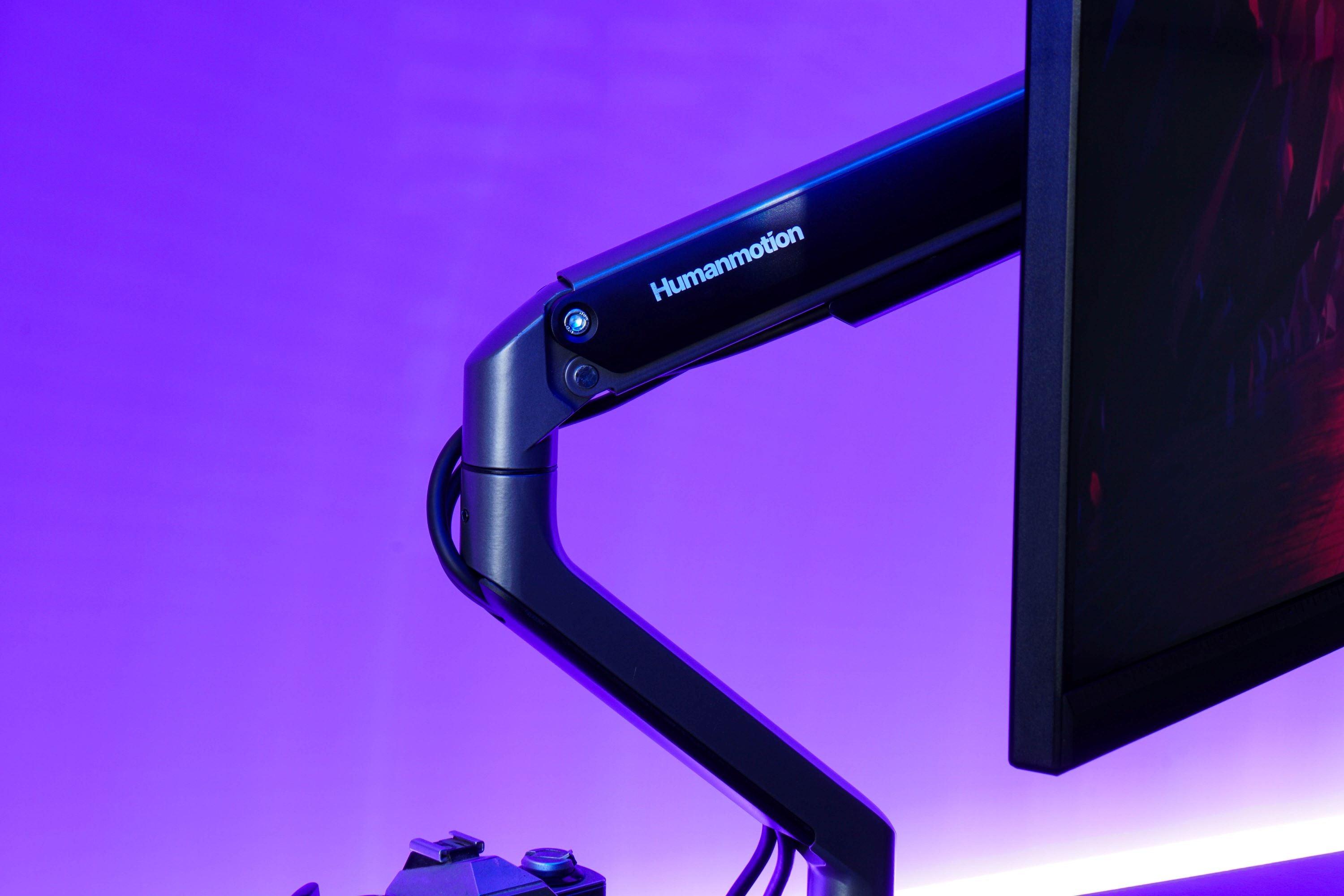
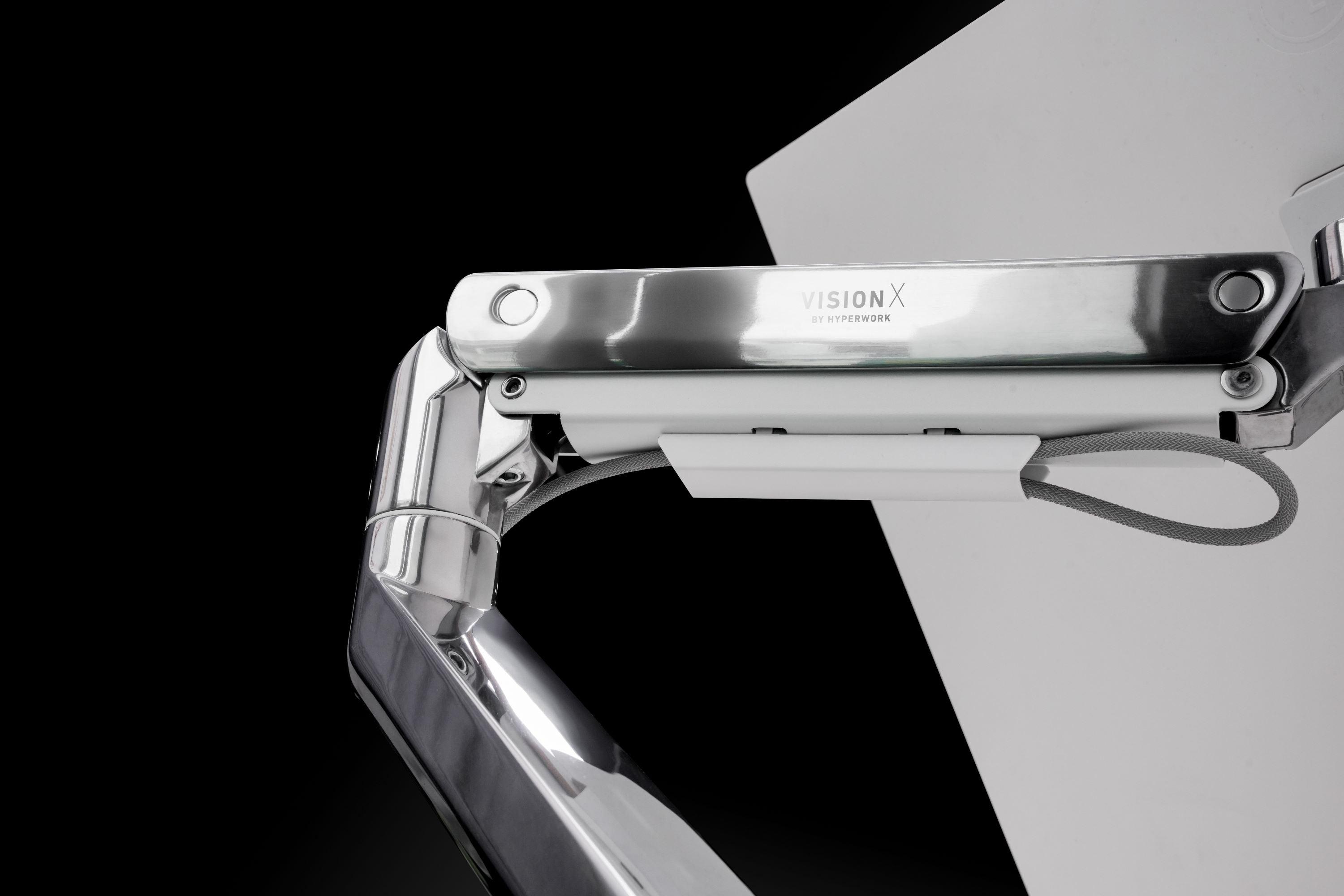
All HyperWork monitor arm models feature integrated, aesthetically pleasing, and organized cable management trays. Typically, the two joints on each arm segment will have spacious, easy-to-assemble cable channels, helping to organize and arrange power cables. This makes the overall setup tidier, more convenient, and more attractive.

5. Conversion Mount for Increased Load Capacity
For heavy-duty arm models, HyperWork offers an additional conversion mount with an internal spring, supporting larger monitors and higher load capacities. The mount is sold separately for the T9 Pro II, T9 Pro II Dual, and VisionX models.

For example, with the VisionX arm, which has a recommended load capacity of 3-18 kg and supports 23-43 inch monitors, adding the conversion mount will enable the arm to support monitors up to... 20 kg and sizes up to... 49 inches.



Leave a comment
This site is protected by hCaptcha and the hCaptcha Privacy Policy and Terms of Service apply.