

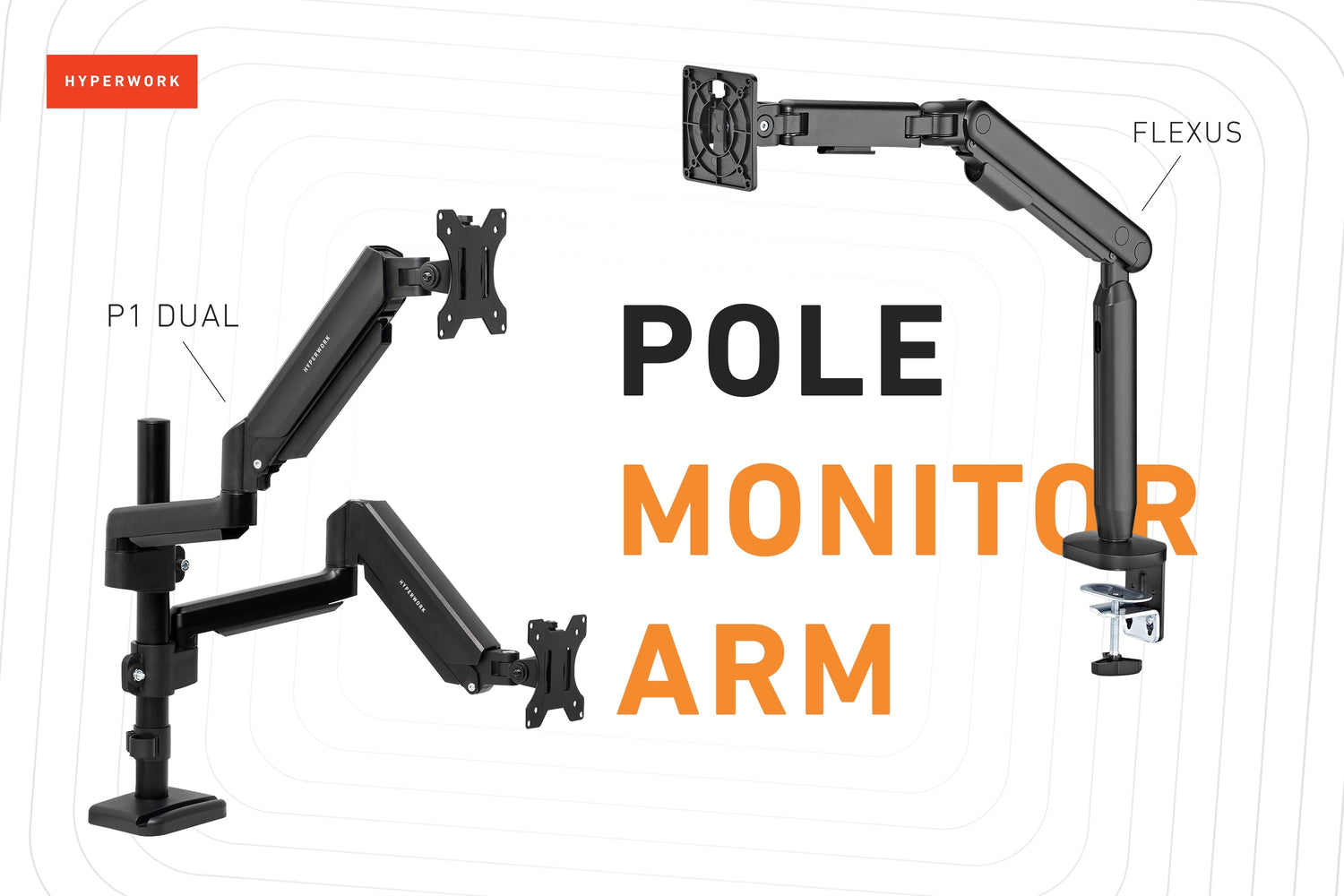
Column monitor arms offer diverse and multi-angle screen adjustments, while optimizing installation space. Are you someone who prioritizes the practicality and "get-the-job-done" aspect of a mechanical product? Then don't overlook column monitor arms with their outstanding functional advantages.

1. Flexible Adjustability
A column monitor arm typically consists of 1 pole + 1-2 monitor arms. Compared to conventional monitor arms with two segments, column arms have three segments. How is this beneficial?
- The pole acts as a sturdy anchor, supporting the articulating arms to lift and adjust the screen over a wider range. This means the two arm joints are completely freed from their role as a pivot, allowing them to move freely up, down, rotate, flip, and tilt. While conventional monitor arms can also rotate and tilt the screen, having only two segments means they must serve both as a pivot and for movement, inherently creating limitations compared to a column arm.

- Furthermore, with column monitor arms featuring 2-4 articulating arms or more, the flexible adjustability of the screen becomes even more apparent. Each monitor arm has its own space for movement, especially when flipping upwards or positioning close to the wall. Setting up two screens symmetrically, one above the other, becomes much easier and more convenient when using a column monitor arm.

- The height of the pole also plays a crucial role in the flexibility of the monitor arms. A taller pole supports the installation of more screens and provides more clearance for customization. The pole, acting as a support point, also helps minimize shaking and increases flexibility in moving the screen.

2. Space Saving
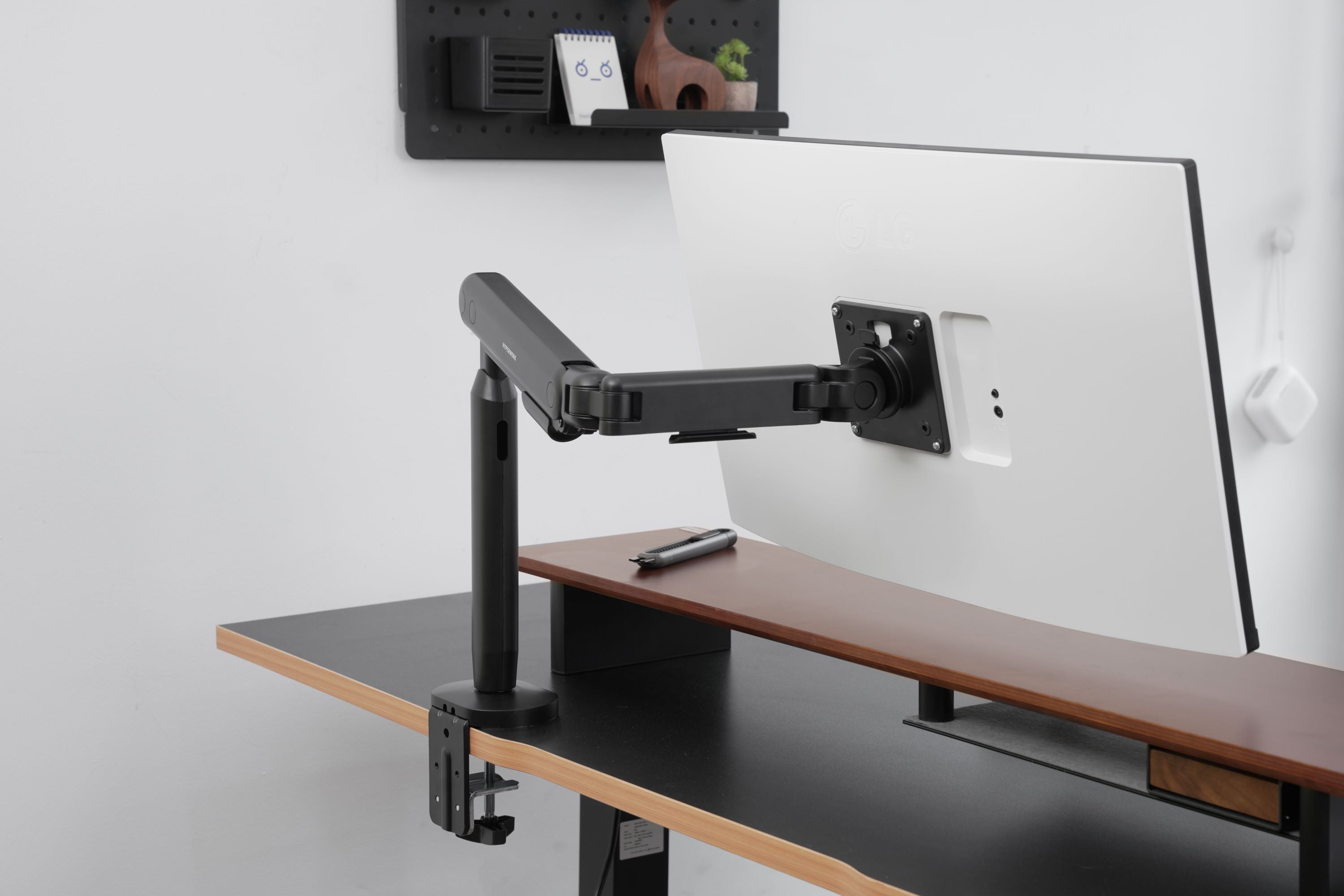
A noticeable advantage of using a column monitor arm is its space-saving capability, allowing it to be positioned close to the wall.
The pole acts as a support for the articulating joints, meaning the arm occupies vertical space instead of horizontal space like other conventional monitor arms. For desks with limited width, where you need space to arrange other items, a column monitor arm becomes more space-efficient.

However, a drawback arises if the column arm is installed in a space with a low ceiling or with many decorative items or setups above it, hindering the arm's operation.
In summary, a column monitor arm can enhance flexibility in various usage scenarios, especially when needing to raise, lower, rotate, or tilt the screen while maintaining stability.
To answer the question of when to choose a column monitor stand, it can be said that if you need a somewhat "practical" solution that prioritizes easy and flexible adjustability while saving workspace, a column monitor arm is a sensible choice.



Leave a comment
This site is protected by hCaptcha and the hCaptcha Privacy Policy and Terms of Service apply.