
Have you ever considered choosing furniture, equipment, or accessories for your workspace based on standard dimensions and specifications? This not only ensures user health but also minimizes the costly need to replace or return furniture, equipment, and accessories.
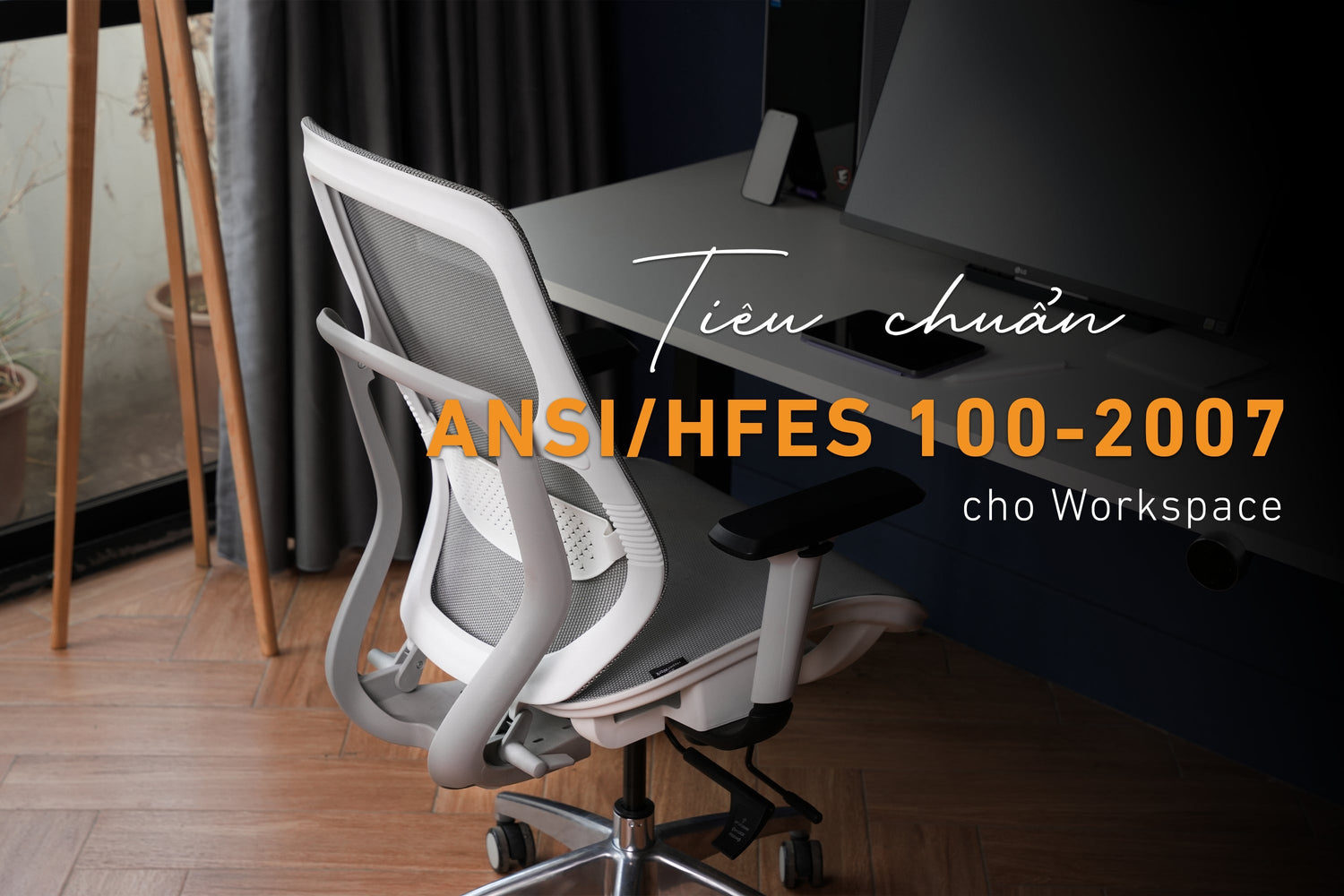
The ANSI/HFES 100-2007 standard (Human Factors Engineering of Computer Workstations), issued by the American National Standards Institute (ANSI) and the Human Factors and Ergonomics Society (HFES), provides detailed guidelines for designing computer workstations and electronic devices to ensure comfort, health, and work efficiency.
So, what parameters does this standard address? Why has this standard become an important tool for designers, engineers, and managers to create increasingly human-friendly workspaces?
Main content of the ANSI/HFES 100-2007 standard
The standard covers concepts related to Installed Systems, Input Devices, Visual Displays, and Furniture:
- Installed Systems: provides technical specifications for the structure and configuration of a standard workspace (sound, lighting, temperature, etc.) and other components affecting work performance.
- Input Devices: provides specifications for devices (mainly keyboards, mice) to ensure ergonomics and minimize discomfort during work.
- Visual Displays: similarly, provides specifications for display screens so users can see well and work for extended periods without causing vision problems.

- Furniture: addresses standard dimensions for furniture, supporting user posture and ensuring long-term comfort.
Some standard parameters related to workspaces
Within the scope of this article, HyperWork will only cover some standard parameters for common equipment, furniture, accessories, or factors that significantly impact user health and work performance.
1. Desk and chair
- Desk height: adjustable from 22 inches (559 mm) to 33 inches (838 mm), suitable for sitting and standing postures.
- Legroom: minimum 17 inches (432 mm) deep, 30 inches (762 mm) wide, and 20 inches (508 mm) high for comfortable leg positioning.
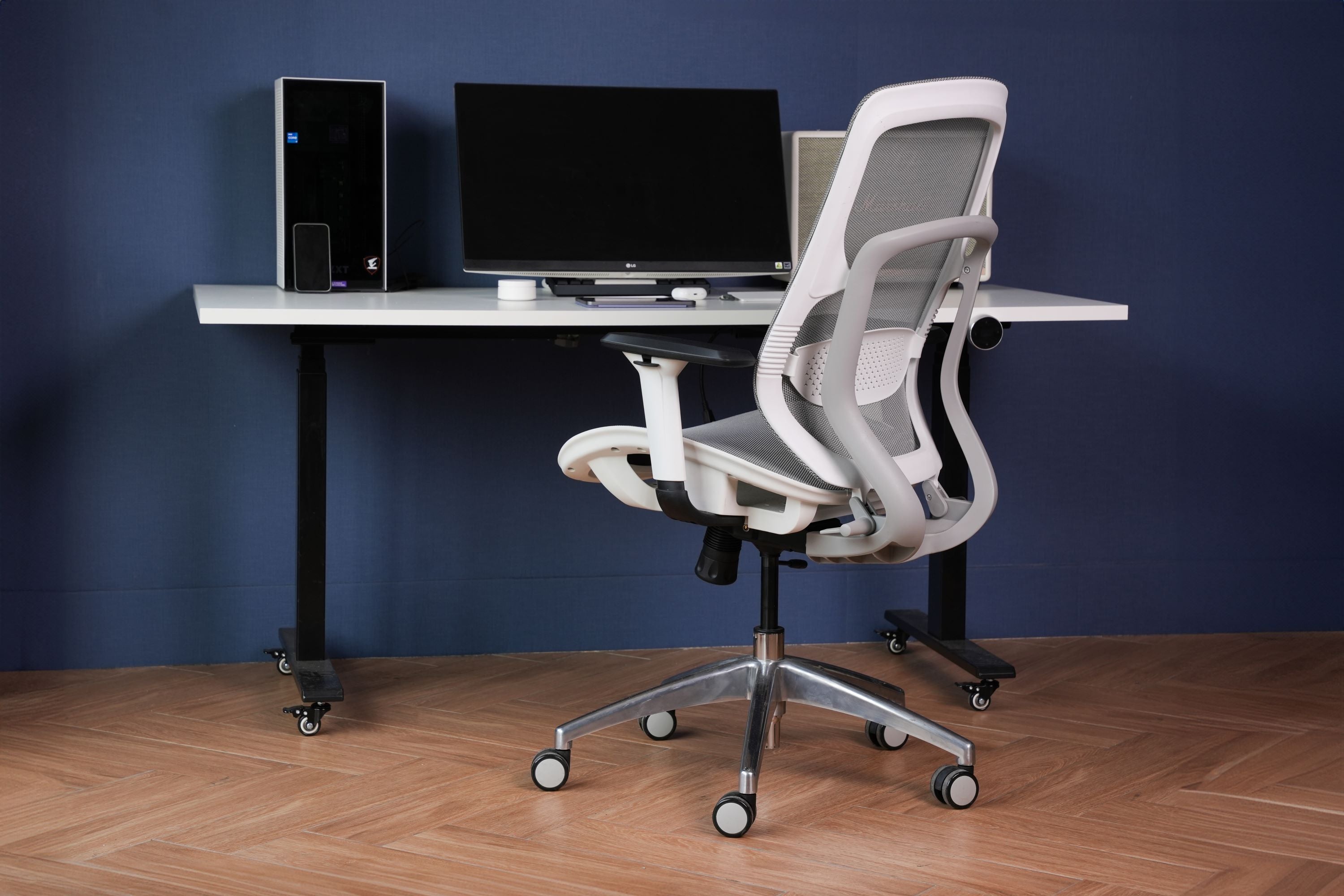
- Chair height: 16 to 21 inches (40.6 to 53.3 cm).
- Chair width: 16 to 20 inches (40.6 to 50.8 cm).
- Chair depth: 16 to 18 inches (40.6 to 45.7 cm).
- Armrests: 7.9 to 10.6 inches (20.1 to 26.9 cm) from the seat surface.
- Backrest: 12 to 19 inches (30.5 to 48.3 cm) from the seat surface, with a tilt angle of 90-120 degrees.

2. Monitor
- Height: the top edge of the monitor should be at eye level or 15-20 degrees below eye level.
- Distance from eyes to monitor: 18 inches (457 mm) to 30 inches (762 mm).
- Tilt angle: -5 degrees to +20 degrees.
- Glare: the monitor should have anti-glare capabilities to prevent reflections.
3. Keyboard and mouse
- Keyboard height: suitable for straight wrists and elbows at a 90-degree angle or slightly open.
- Keyboard tilt angle: 0 degrees to 15 degrees.
- Mouse: positioned at the same level as the keyboard, easy to control without reaching.

4. Lighting
- Brightness: illumination level from 300 lux to 500 lux.
- Glare reduction: avoid direct light from windows or lamps shining on the screen.
- Lighting equipment: adjustable position and intensity.





Leave a comment
This site is protected by hCaptcha and the hCaptcha Privacy Policy and Terms of Service apply.